Business Integration Solutions documentation
Security profiles
A security profile is a group of permissions to connect to an external service. It contains settings depending on the authentication method and interface.
The security profile permissions in BIS let users perform specific tasks in BIS.
The following permission sets are available:
- TI-BIS-ESSENTIAL
- TI-BIS-USER
- TI-BIS-ADMIN
For more information, refer to Permission sets for BIS.
The account and authentication method are stored in these profiles:
- BIS Users: can view and use security profiles, but cannot access their setup.
- BIS Admins: can view, create, and set up security profiles.
Manage
Create a security profile
Creating a security profile lets users connect to an external system.
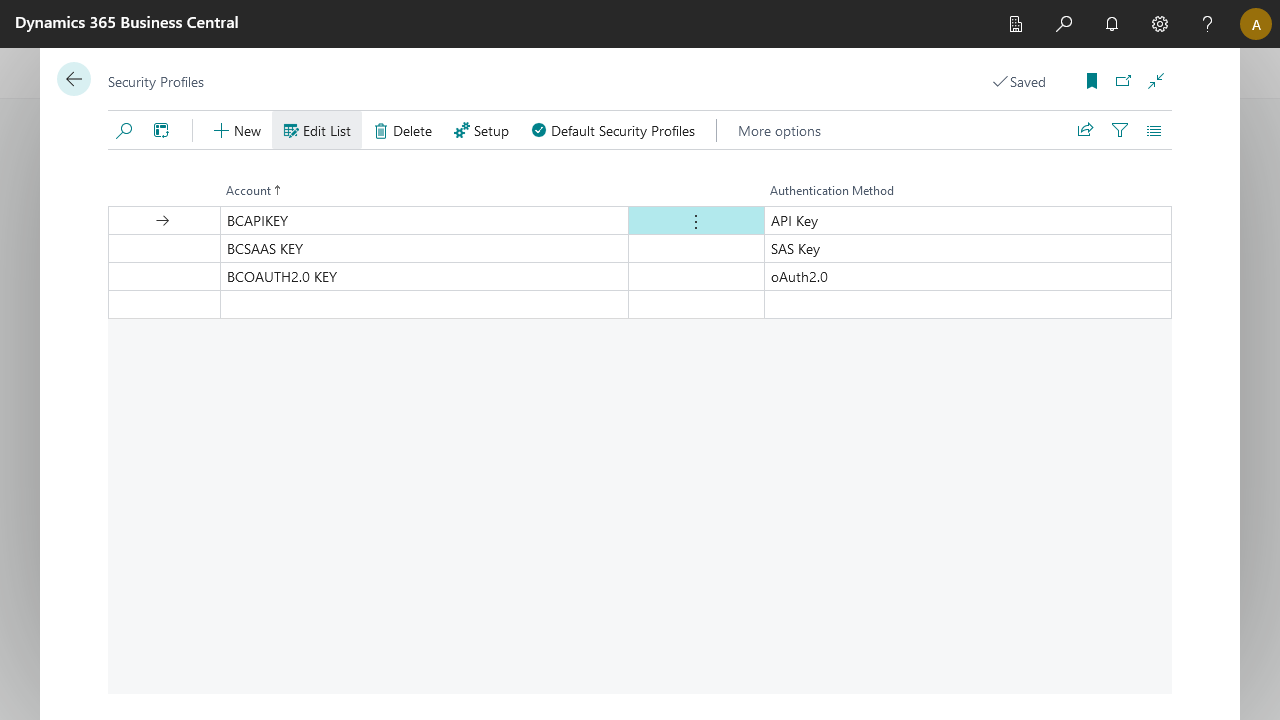
- Account: The account name, which is an identifier that BIS users and admins use to identify the correct profile.
- Authentication Method: Four authentication methods are available:
| Method | Description |
|---|---|
| SAS Key | Lets users connect to external environments with limited access and permissions. |
| API Key | Lets users connect to external systems that support API key authentication. |
| Basic Auth | Basic authentication with a username and password. |
| OAuth 2.0 | Lets users connect to external systems that support OAuth 2.0 authentication. |
Default security profiles
Default security profiles apply to all supported endpoints. You can assign one security profile per endpoint.
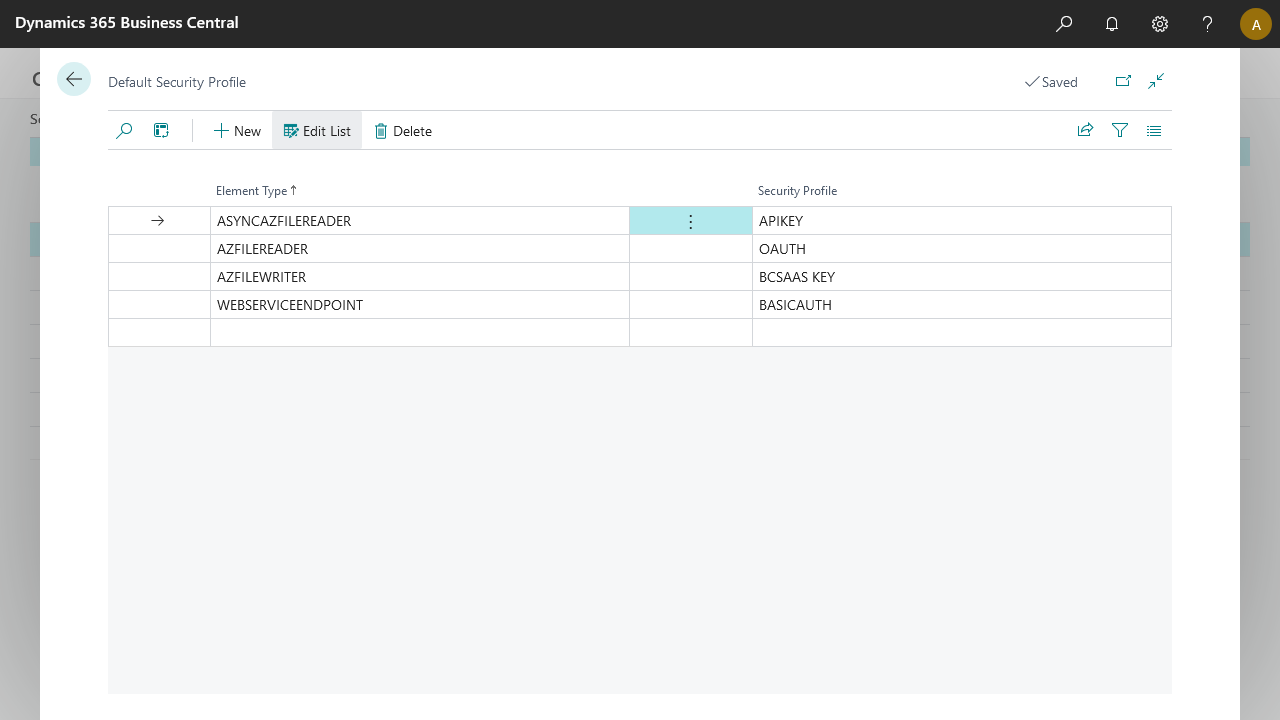
The default security profile updates automatically when you select the respective endpoint.
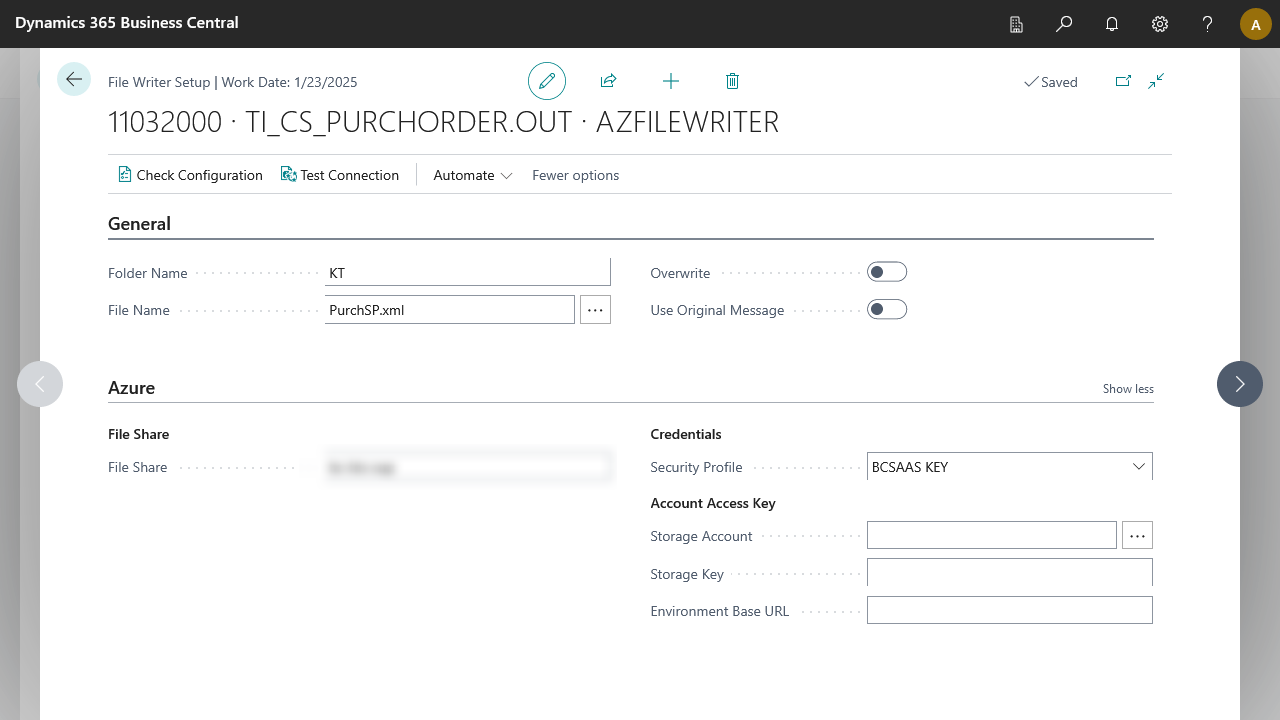
Default security profiles apply when importing configurations that do not have existing security profiles.