
Microsoft Dynamics BC documentation
About: EMAILWRITER endpoint
In Business Integration Solutions, use the EMAILWRITER endpoint to write email messages to configured recipients.
Usage
Use this endpoint to send messages using the built-in mail capabilities of Business Central.
Concept
To relay messages via email, add at least one email account.
This endpoint works best with the following activities:
- XML To HTML Translator activity: provides messages in HTML or plain text format.
- Attachment Generator activity: attaches standard Microsoft Dynamics BC reports in PDF, Microsoft Word, or Microsoft Excel formats.
Email accounts must be configured before testing or demoing notifications.
[Microsoft Dynamics Business Central] ➡️ [<Event>] ➡️ [<Activities>] ➡️ [Email Writer]
The Email Writer endpoint replaces the SMTP Writer endpoint.
How to: Set up the Email Writer endpoint
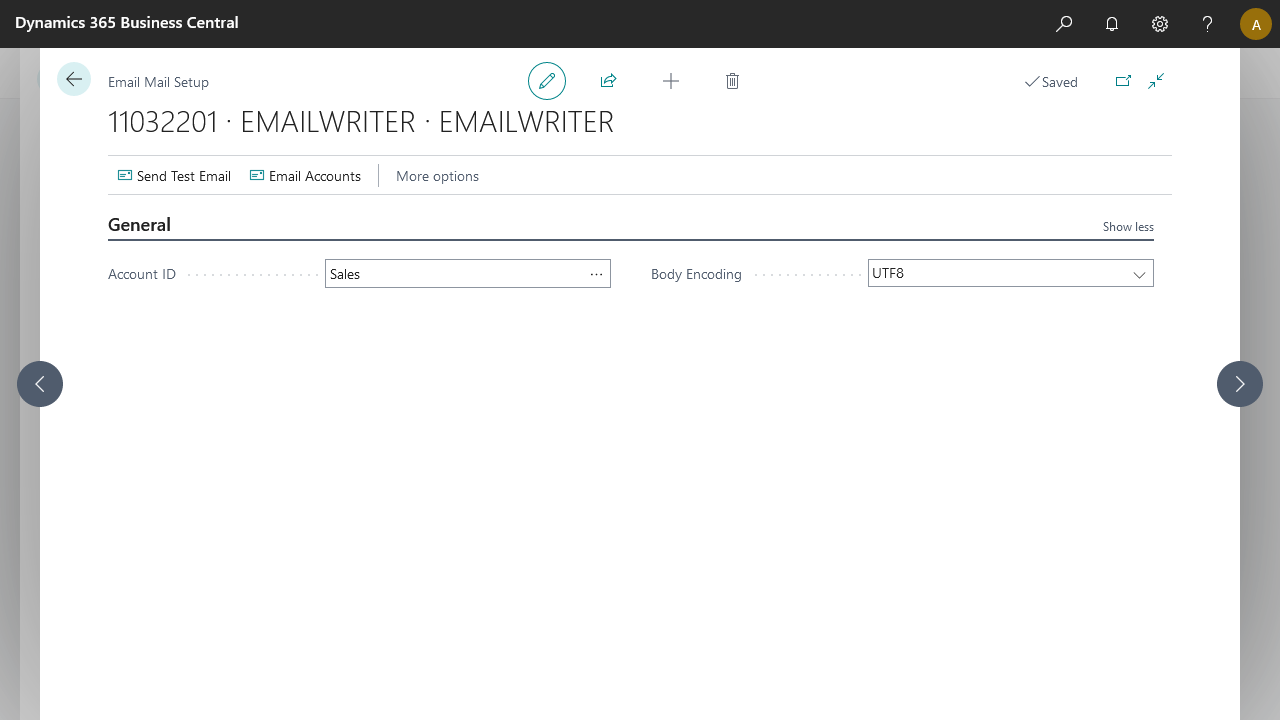
Use the Email Writer endpoint to relay notifications via email to recipients. The endpoint writes the email content in UTF-8 by default.
Steps
- Create a notification and insert the element EMAILWRITER.
- On the elements line, select Edit.
- Select Add Email Account.

For Email Accounts documentation, see: https://learn.microsoft.com/en-us/dynamics365/business-central/admin-how-setup-email