Business Integration Solutions documentation
How to: Set up the Outlook Writer endpoint
Use the Outlook Writer endpoint to send notifications using the default mail client installed on your system.
To set up the Outlook Writer endpoint:
- Create a notification and insert the element OUTLOOKWRITER.
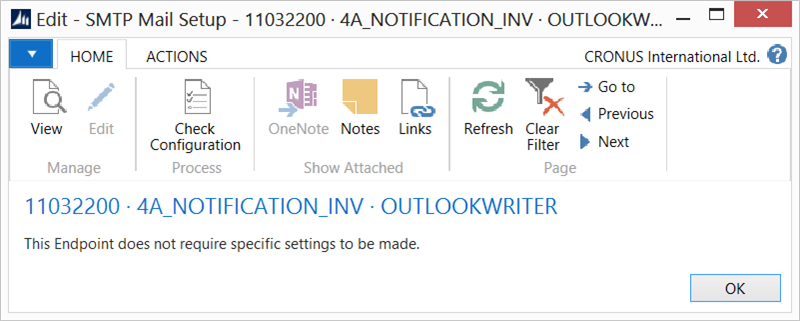
- On the elements line, select Edit.
- Select Check Configuration to see if there are any configuration errors.
- Select OK.
This activity does not require specific settings.